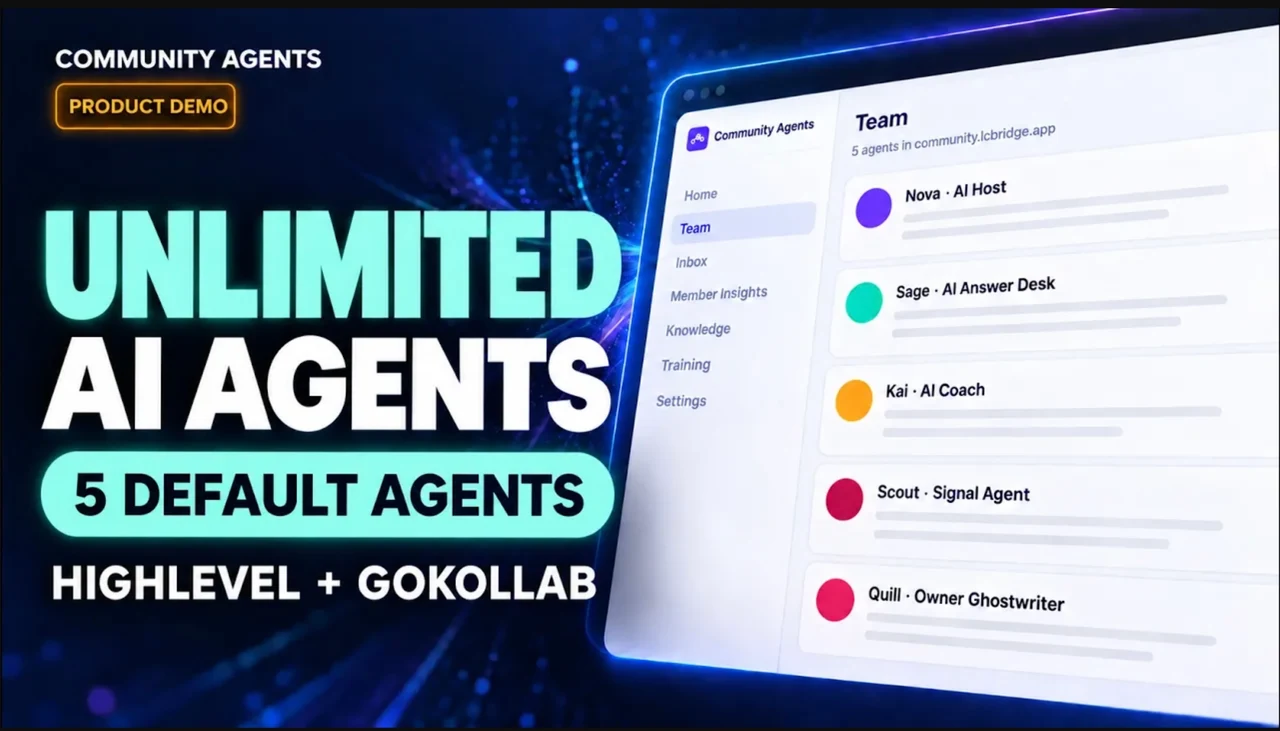
AI replies for your GoHighLevel community. Member context for your team.
Community Agents by LC Bridge adds AI replies to GoHighLevel communities using the knowledge you provide. Preview responses privately and review member needs and possible buying interest with the source conversations.
Give members support. See what needs your attention.
Member-facing agents handle useful conversations. Member Insights helps your team recognize when a personal follow-up may matter.
01
Help members get answers
Use the knowledge you provide to help answer recurring questions where members ask them.
Illustrative conversation
Member: “Where do I start?”
AI answer desk: “Start with the getting-started lesson. Tell me which step you’re on and I’ll point you to the right part.”
02
Keep conversations going
Welcome introductions and acknowledge wins with replies that refer to what a member actually shared.
Illustrative conversation
Member: “I’m building my first campaign.”
AI host: “Welcome. Which part of the campaign are you working on first?”
03
Spot buying interest
See when a member asks about your offer, along with the conversation behind a suggested follow-up.
Illustrative member insight
Member: “Does the paid program include setup help?”
Member Insights: “Possible interest in paid help. Review this question before following up.”
Examples are illustrative, not screenshots or real member conversations.
Member Insights
Know who may need a personal follow-up. And why.
Member Insights reviews synced posts and comments for expressed needs and possible buying interest. Each suggested follow-up includes conversation evidence for your team to review. You decide what to do next.
Illustrative member insightPossible buying signal
“Is there a plan that includes feedback on my campaigns?”
Why it matters This member is asking about help beyond the current plan. A personal reply can address the support they actually need.
How it starts
Teach it your community. Test it privately.
Give each agent a clear job, try its responses, and decide where it can participate.
01
Connect your portal
Install in your GoHighLevel sub-account. Launch the app and connect the portal where your members sign in.
02
Add knowledge and a role
Give your agent the information and instructions it needs, then preview a response privately.
03
Choose where it participates
Enable the channels and actions you want. Review its work and improve it as you go.
Let an agent help without handing over your voice.
Community Agents gives you a way to configure, preview, and choose where agents act. AI disclosure is enabled by default. Keep it enabled so members can identify AI replies. Buying-interest insights stay with your team for human review.
Preview before enablingTry replies privately and adjust the agent’s instructions.
Choose its scopeDecide which groups, channels, and actions an agent can use.
Keep follow-up humanReview the evidence behind a possible buying signal before reaching out.
Setup guides
Get your first agent ready.
Connect through your GoHighLevel community portal, then configure an AI identity, knowledge, and response settings.
The subscription includes $47 of AI usage each billing period. Included credit expires at renewal. Additional usage is metered at 4× provider cost and billed through your GoHighLevel wallet. Agency resale pricing and taxes can affect your final bill.
No. Configure the agent, preview responses privately, and choose the actions and places where it can participate.
What do I need to get started?
A GoHighLevel community portal, access to connect it, and information your agent can use. Install through GoHighLevel Marketplace and launch from your sub-account to begin setup.
Will members know they are talking to AI?
AI disclosure is enabled by default and can be changed in workspace settings. Keep it enabled and identify the dedicated community profile as AI.
Does Member Insights automatically contact interested members?
No. It surfaces possible buying interest with conversation evidence. Your team decides whether and how to follow up.
Does it work with GoKollab?
For a GoHighLevel-connected GoKollab community, use the member-facing portal and a dedicated member login. A public GoKollab discovery link alone is insufficient. Verify portal access before enabling replies; see the compatibility guide.
Start with one question your members ask.
See how your agent responds before your community does.
Read the recorded Community Agents demo transcript
English, auto-generated captions from the 35-second demo published 9 October 2026. Caption wording is preserved. The closing free-trial invitation predates current Marketplace billing; use the current pricing and installation guide.